


What is Backup?: Definition, Types, and Importance Explained
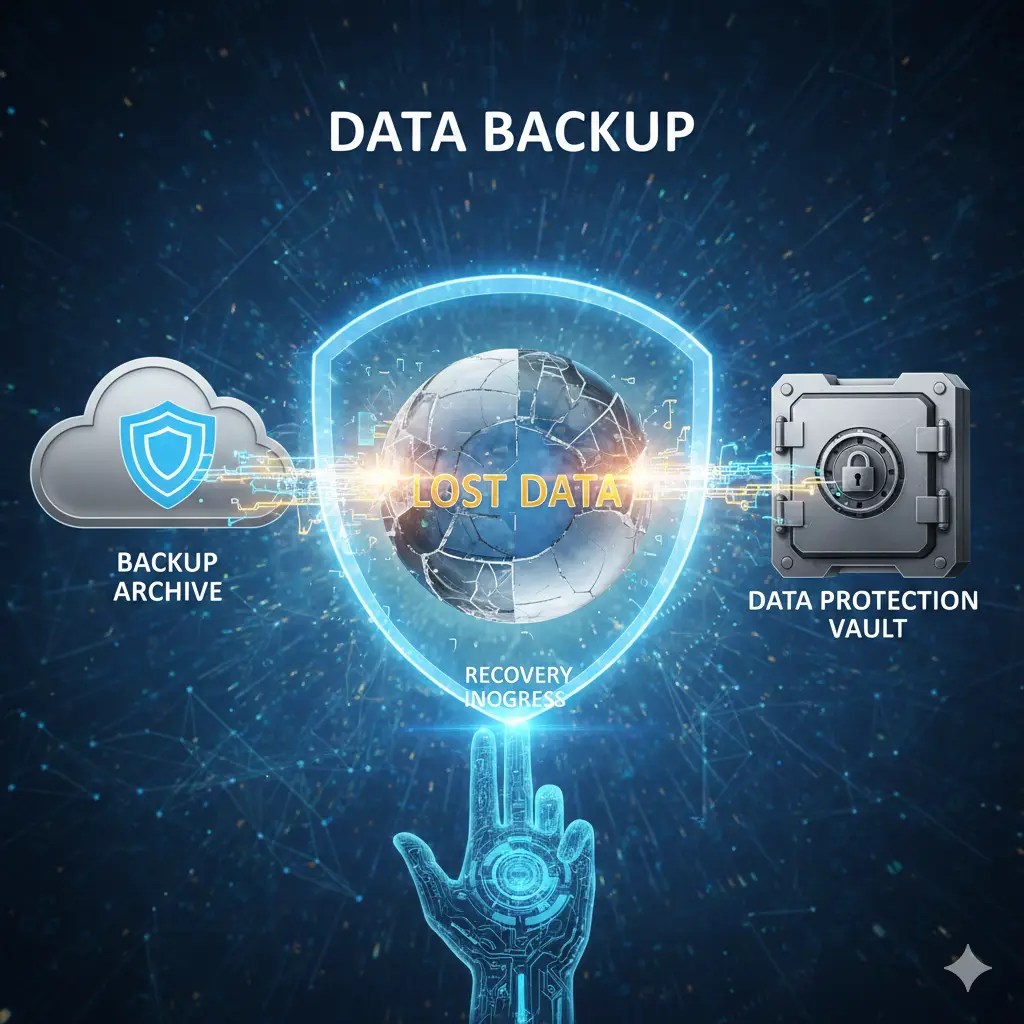
In today’s digital-first world, data is the backbone of everything — from business operations to personal memories. But what happens when that data disappears? That’s where the concept of backup comes in. Understanding what it is, why it matters, and how to do it properly is essential for anyone who uses a computer, smartphone, or cloud service. Backup is a foundational part of Data Resilience.
Table of Contents
Understanding the Meaning of Backup
The Basic Definition of Backup
A backup is simply a copy of data stored separately from the original source to protect it from loss, corruption, or accidental deletion. Think of it as a safety net — if something goes wrong with your main files, you can restore them from your backup copy. Simply put it’s the basis of data protection.
In technical terms, it involves duplicating data from one storage location to another, typically using software or automated systems. This process ensures that information remains accessible even if the original files are damaged, deleted, or compromised.
What is the purpose
The main purpose is data recovery. It ensures business continuity, protect against disasters, and safeguard important information from ransomware or natural events like fires and floods. For individuals, it preserves personal memories — photos, documents, and videos — that can’t be replaced once lost.
Types of Data Backups
Full
A “full” creates a complete copy of all selected data. It’s the most comprehensive form but also the most storage-intensive. It’s ideal for initial setups or periodic major backups.
Incremental
This backup type saves only the changes made since the last backup. It’s faster and more efficient, reducing storage needs but making restoration slightly more complex.
Differential
Differential copies data that has changed since the last full, striking a balance between speed and storage efficiency.
Mirror and Cloud
Mirror backups continuously replicate your data in real time, while cloud backups store your files on remote servers, ensuring access from anywhere. Cloud storage services like Google Drive, Dropbox, and Backblaze are popular for this purpose.
Why is it Important?
Protection Against Data Loss
Every day, millions of people lose important files due to accidental deletions, hardware failures, or malware attacks. Backups act as your last line of defense, ensuring recovery even after catastrophic data loss.
Defense Against Cyber Threats
Ransomware attacks can lock you out of your data. Having an offline or cloud backup allows you to restore your files without paying hackers a dime.
Compliance and Legal Requirements
Businesses are often required by law to retain certain data. Regular backups ensure compliance with privacy laws like GDPR and HIPAA, helping organizations avoid fines and lawsuits.
How does it works: The Process Explained
Manual vs Automated Backups
Manual backups require user intervention, while automated ones run on a set schedule, ensuring consistency and reducing human error.
Scheduling and Frequency
Experts recommend daily or weekly backups depending on the importance of data. Critical business systems often rely on real-time replication to ensure zero data loss.
Backup Storage Options
External Hard Drives and USBs
These are affordable and reliable options for personal use. However, they’re vulnerable to physical damage.
Network-Attached Storage (NAS)
NAS systems are shared storage devices that connect to a network, allowing multiple users to back up and retrieve data easily.
Cloud Storage Platforms
Cloud solutions provide remote, scalable storage. Services like iCloud, Amazon S3, and OneDrive are examples of robust cloud backup solutions.
Best Practices for Effective Backups
Creating backups isn’t just about copying data — it’s about doing it strategically. A well-structured system ensures that your data remains safe, retrievable, and up-to-date when you need it the most.
The 3-2-1 Backup Rule
The 3-2-1 backup rule is the gold standard for data protection:
- 3 copies of your data (1 primary + 2 backups)
- 2 different storage media (e.g., cloud and external drive)
- 1 copy off-site (stored remotely to prevent loss from disasters)
This simple yet powerful principle minimizes the risk of total data loss and ensures redundancy.
Testing and Monitoring
One of the most overlooked aspects of backup management is testing. A backup is only valuable if it can be restored successfully. Regularly test your backup files to confirm they’re not corrupted and that recovery works as expected.
Set up monitoring alerts for automated backups to ensure they’re completed successfully.
Encryption and Security Measures
Security is crucial — especially for sensitive data. Encrypt your backup files to prevent unauthorized access. Most backup software includes AES-256 encryption, which offers strong protection.
Also, enable multi-factor authentication (MFA) for cloud backups to secure your online accounts.
Common Mistakes in Backup Management
Even with the best intentions, people often make errors that render their backups useless when disaster strikes.
Neglecting Backup Verification
Many assume backups are fine without checking. Unfortunately, corrupted or incomplete backups are common. Always verify integrity after each backup cycle.
Storing Backups in the Same Location
If your backup drive is stored in the same building as your computer, both could be lost in a fire, flood, or theft. Keeping at least one backup off-site or in the cloud mitigates this risk.
Ignoring Cloud Security Settings
Cloud platforms offer flexibility, but misconfigurations — like leaving data public — can expose sensitive files. Review privacy settings regularly and use zero-knowledge encryption services for maximum safety.
Top Backup Software and Tools in 2025
Whether you’re an individual or a business, choosing the right backup tool is key. Let’s look at the top-rated solutions this year.
Personal Backup Tools
- Google Drive – User-friendly and integrated with Android & Gmail.
- Microsoft OneDrive – Great for Windows users with built-in sync.
- iCloud – Ideal for Apple ecosystem users.
- Backblaze – Simple and affordable automatic cloud backup.
- Acronis True Image – Offers both local and cloud backup with ransomware protection.
Enterprise Backup Solutions
- Veeam Backup & Replication – Industry leader in enterprise data protection.
- Commvault – Robust backup and disaster recovery platform for businesses.
- Datto – Designed for managed service providers and small enterprises.
- Rubrik – AI-driven data management with hybrid cloud capabilities.
- Acronis Cyber Protect – Combines backup, cybersecurity, and endpoint protection in one solution.
Pro Tip: Always choose software that offers incremental backups, cloud sync, and automated scheduling for maximum efficiency.
Future of Data Backup
The world of data storage and protection is evolving rapidly. As technologies like AI, automation, and blockchain become mainstream, the backup landscape is transforming to meet new challenges.
Automation and Artificial Intelligence
AI-driven backup systems can predict failures, automatically classify data, and even self-heal corrupted files. These intelligent tools will make backup processes faster, smarter, and more reliable than ever before.
Blockchain for Backup Verification
Blockchain technology ensures data authenticity and immutability. By recording backup metadata on a distributed ledger, businesses can verify that backups haven’t been tampered with — a breakthrough for compliance and audit trails.
Hybrid and Multi-Cloud Environments
Many organizations are now adopting hybrid backup strategies — combining on-premise and cloud systems. This ensures flexibility, scalability, and redundancy, providing the best of both worlds.
FAQs About Backup
- What exactly is a backup?
A backup is a copy of your data stored separately from the original. It helps you recover files in case of loss, corruption, or damage.
- How often should I back up my data?
The frequency depends on how often your data changes. For critical systems, daily or real-time backups are recommended. For personal use, weekly backups are often sufficient.
- What is the safest type of backup?
A hybrid backup (local + cloud) is the safest because it provides quick recovery and off-site protection from disasters.
- Is cloud backup better than local backup?
Both have advantages. Cloud backups offer remote accessibility and scalability, while local backups provide speed and control. Combining both is the best approach.
- What happens if my backup gets corrupted?
That’s why it’s essential to test backups regularly. Most modern software includes integrity checks to verify data health and alert you of corruption.
- Can I back up my entire computer automatically?
Yes. Tools like Acronis, Backblaze, and Mac Time Machine can automatically create full system backups without manual intervention.
- How much cloud backup storage do I need?
It depends on your data size. Most personal users need between 500 GB to 2 TB, while businesses may require multi-terabyte or scalable storage plans.
- Are backups protected from hackers?
Yes — if properly configured. Always encrypt data, use strong passwords, and enable two-factor authentication (2FA) for cloud backups.
Conclusion: The Role of Backup in Data Protection
In an age where digital data is as valuable as currency, having a reliable backup system is no longer optional — it’s a necessity. Whether you’re safeguarding business-critical databases or your family photos, a strong backup strategy ensures peace of mind and protection from unexpected loss.
By understanding what is backup, implementing the 3-2-1 rule, and using modern tools with encryption and automation, anyone can achieve complete data security. Remember: It’s not about if you’ll need a backup — it’s about when.
For further reading on cloud backup solutions, check out Google Cloud Backup Overview.
Key Takeaways
- Backups are copies of your data stored separately for recovery.
- Use the 3-2-1 rule for maximum protection.
- Combine local and cloud backups for resilience.
- Regularly test, encrypt, and monitor your backups.
- Leverage AI and automation for smarter data protection.
Leave a Reply to The Ultimate Guide to Data Resilience: 12 Powerful Strategies for Modern Businesses – Data Resilience HubCancel reply